Variables
How Figma variables work and how Flex organises them into collections and modes.
What is a variable?
A variable stores a value that you can reuse across your designs. Figma has four types of variables:
- Colour: stores a colour value, e.g.
#FFFFFF(white). - Number: stores a numerical value, such as a font size or padding, e.g. 16.
- String: stores text, such as a button label (e.g. ‘Add to bag’) or a font family name.
- Boolean: stores a true or false value, for example to show or hide an element.
How are variables organised in Flex Design System?
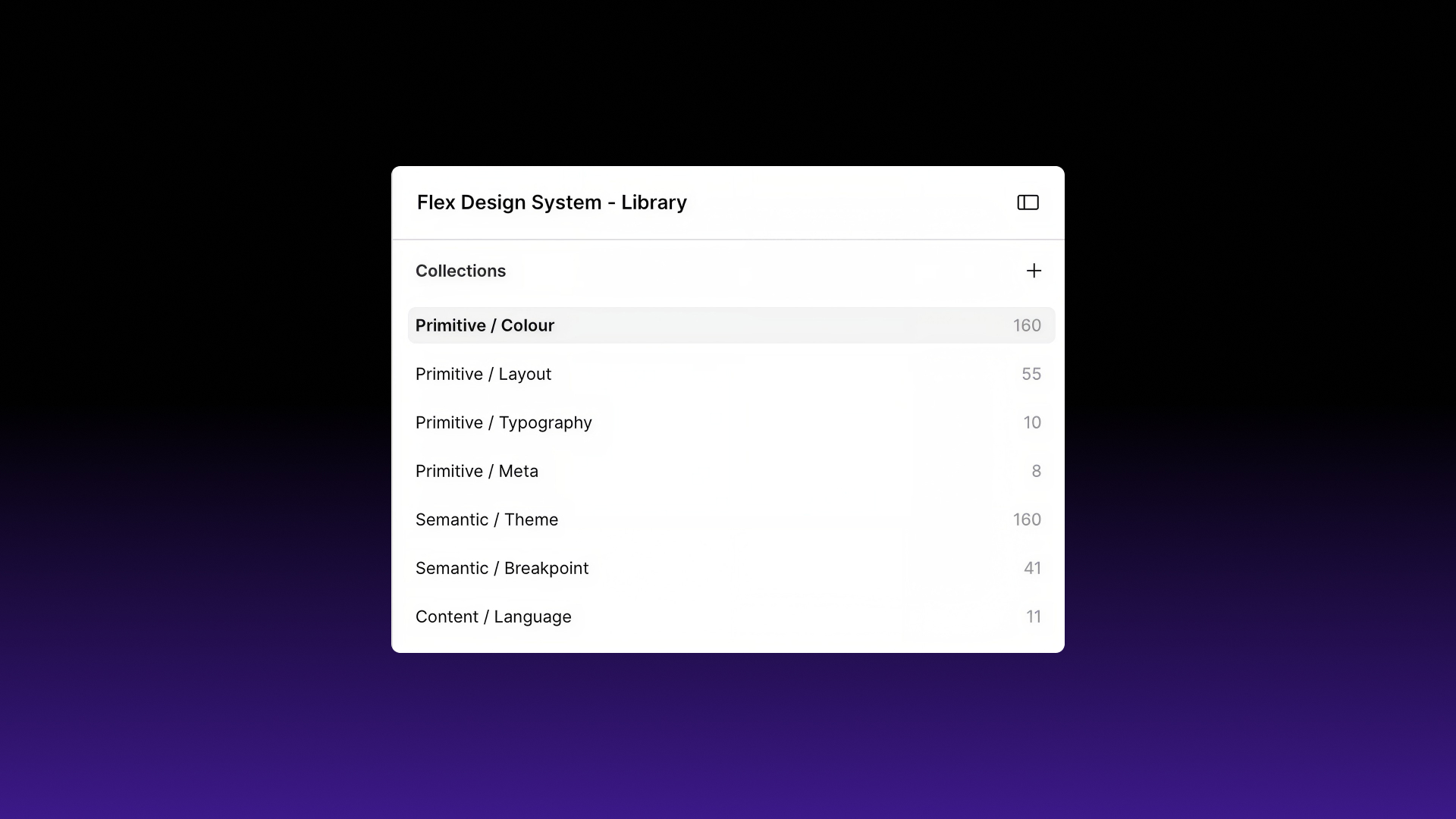
Flex organises its variables into seven collections, in three layers:
- Primitive collections hold the raw values: every colour, size and font setting in the system.
- Semantic collections hold tokens that point to those primitives and change depending on the mode you select (theme or breakpoint).
- Content collections hold text strings that change with the selected language.
You’ll mostly work with the semantic and content collections. The primitives sit underneath them, so changing one primitive updates every token that points to it.
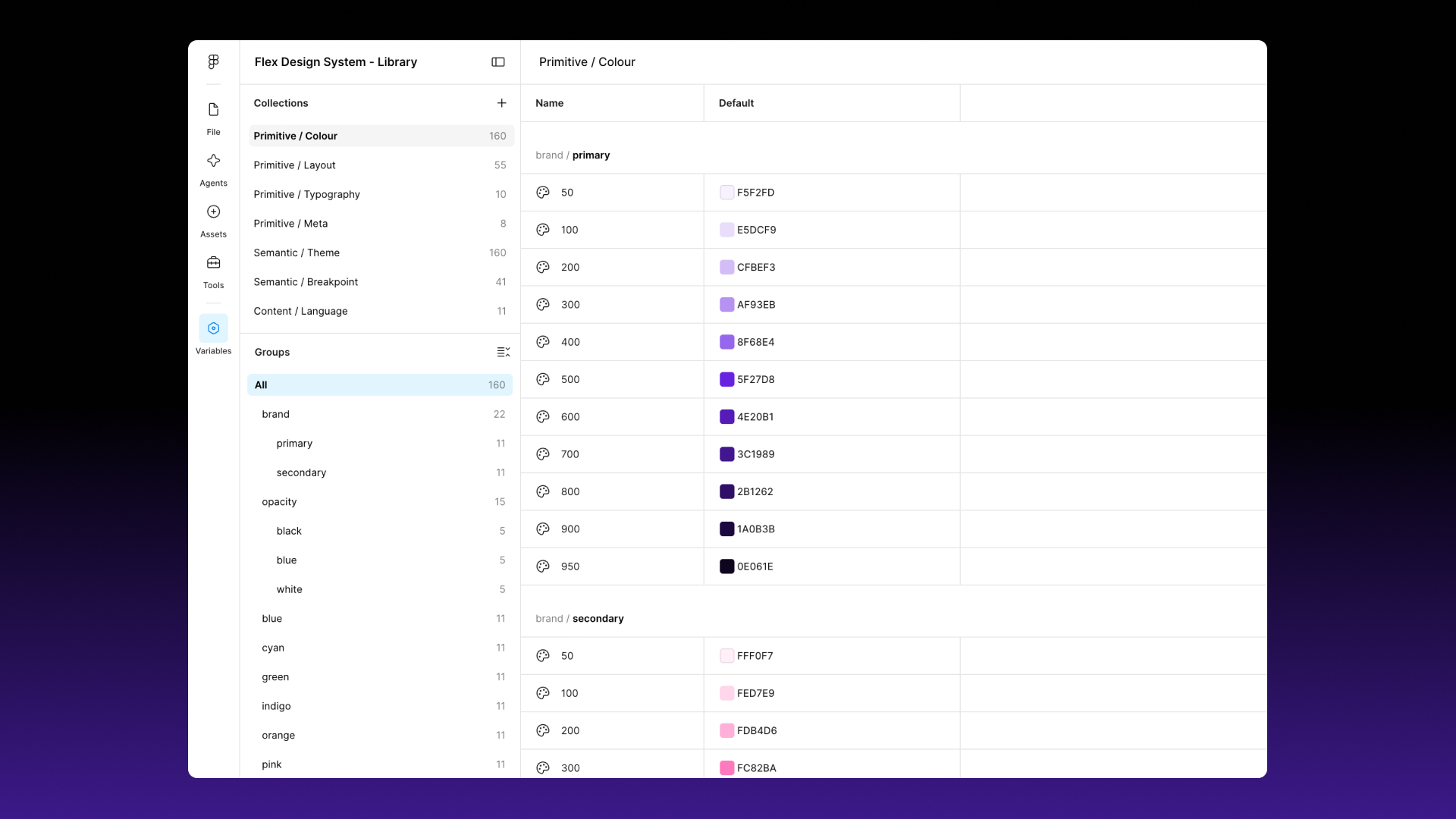
Primitive / Colour
The full colour palette: brand primary and secondary, 10 hues (blue, cyan, green, indigo, orange, pink, purple, red, teal, yellow) on a 50–950 scale, neutrals, and opacity steps for black, blue and white.
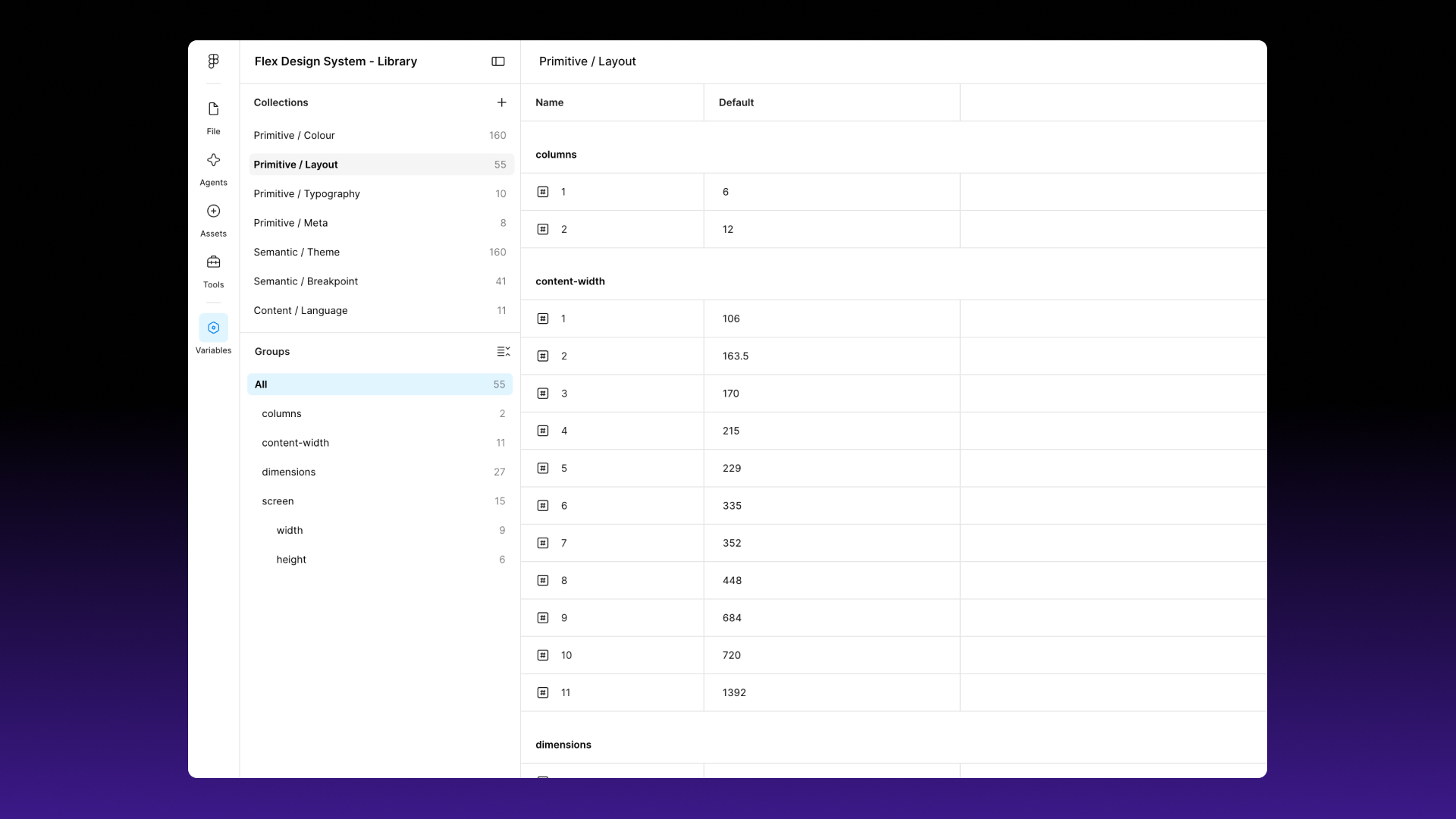
Primitive / Layout
Raw layout values: dimensions (0–32px and up, used for spacing), content-width (11 widths from 106px to 1392px), screen/width and screen/height, and columns (6 and 12).
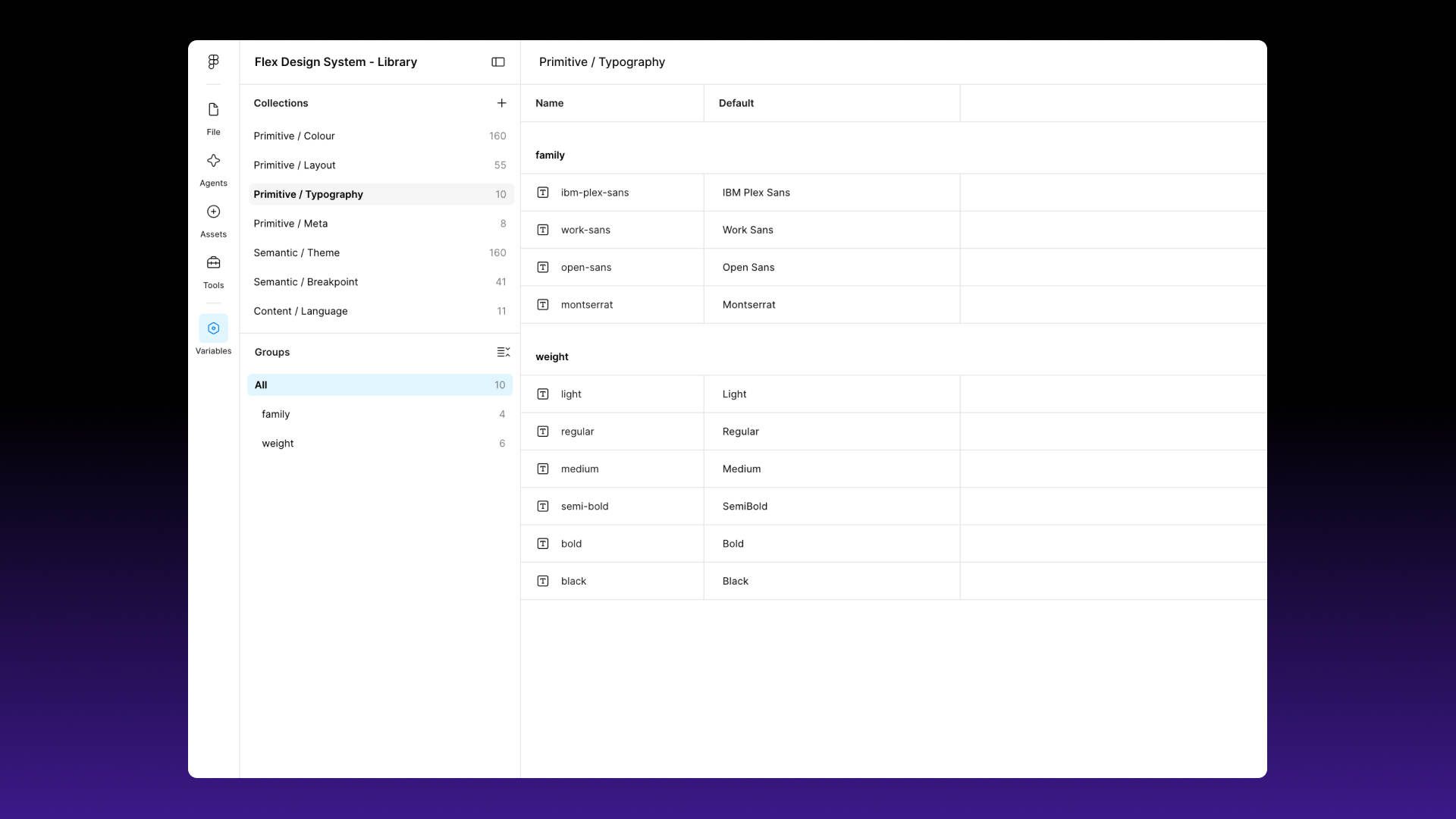
Primitive / Typography
Font families (IBM Plex Sans, Work Sans, Open Sans, Montserrat) and weights (Light, Regular, Medium, SemiBold, Bold, Black).
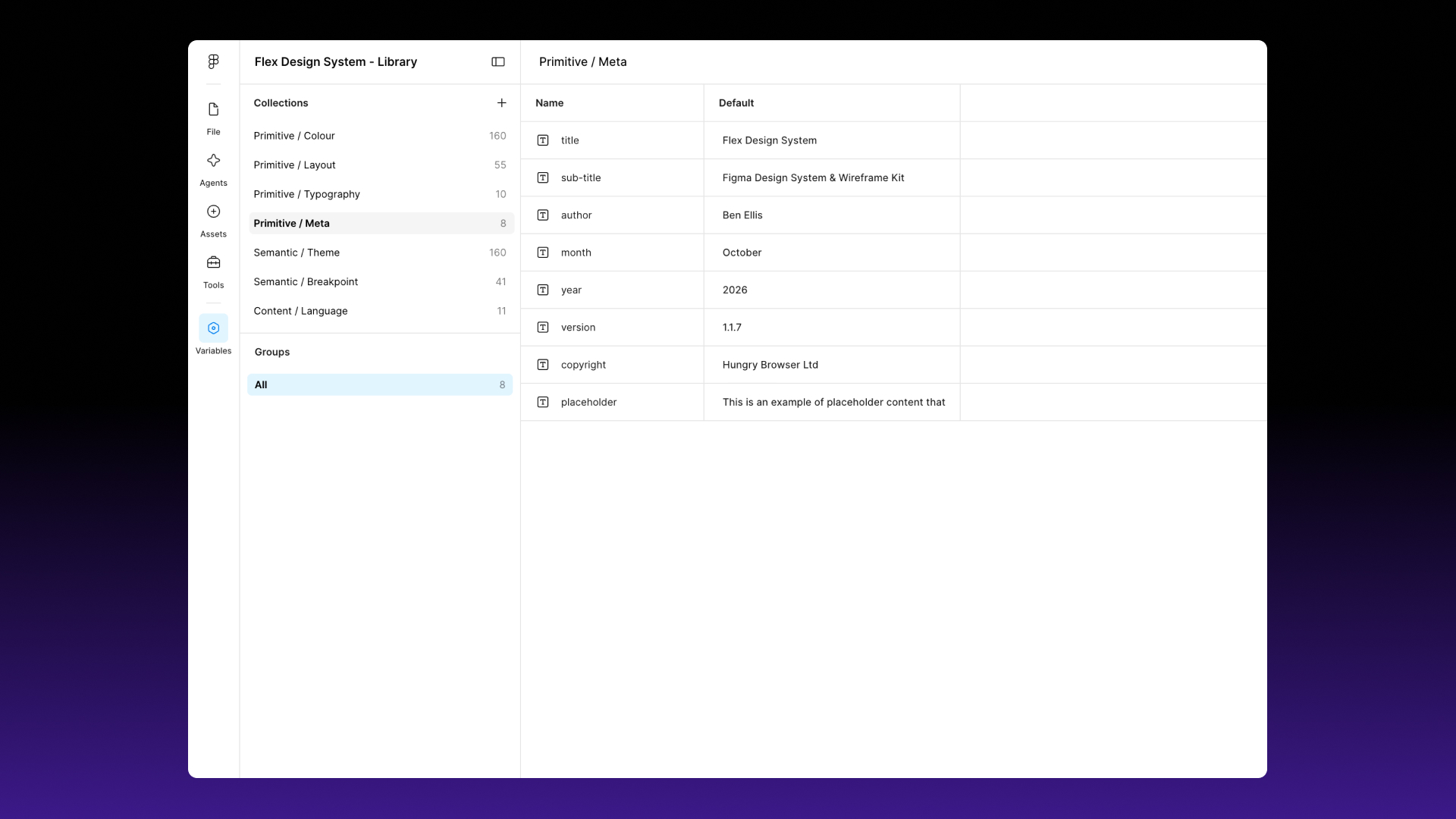
Primitive / Meta
Project details you can reuse in your files: title, sub-title, author, month, year, version, copyright and placeholder text.
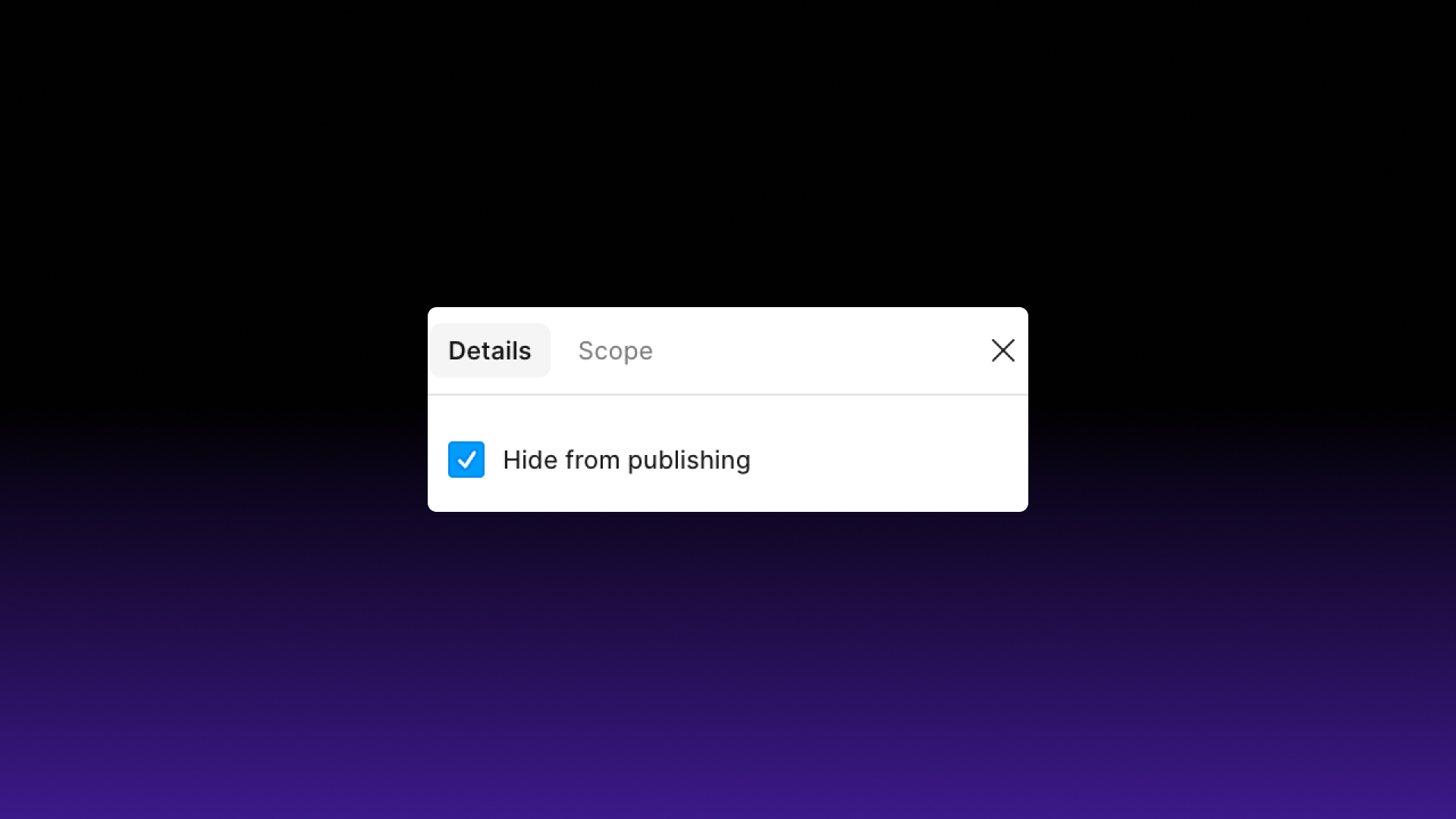
Why are the primitive collections hidden?
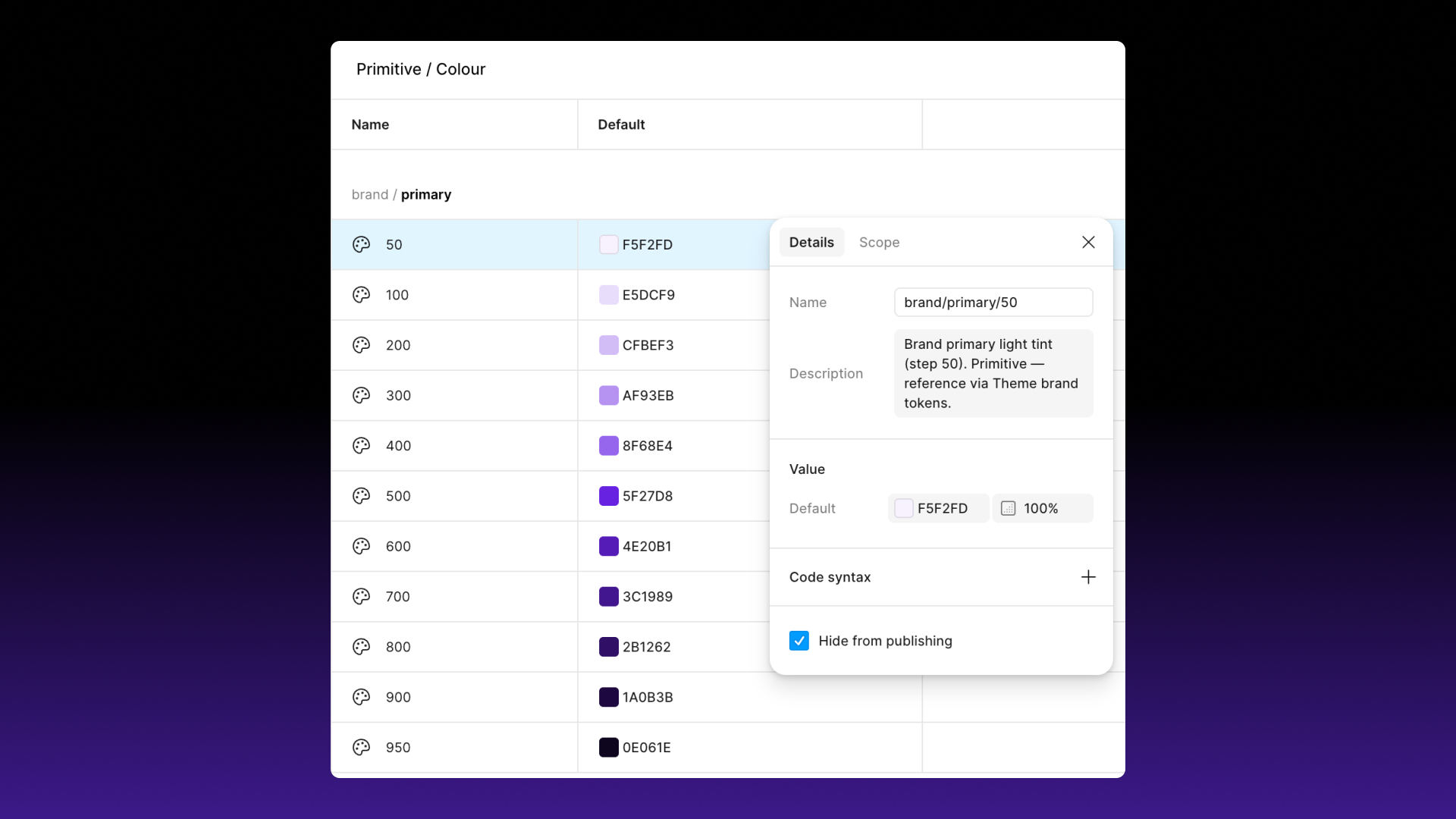
All four primitive collections are hidden from publishing. When Flex is enabled as a library in another file, you’ll only see the semantic and content tokens in that file. For example, you’ll pick from bg/primary or font/colour/link rather than a list of 160 swatches, and spacing/md rather than a raw pixel value. This keeps everyday design decisions within the system.
To change a raw value, such as a brand colour, a font family or a spacing step, open the Flex library file, edit the primitive, and publish the update. Every token that points to it will update.
Do variables have descriptions?
Yes. Every variable has a description explaining what it’s for and how it responds to modes, for example “Responsive md spacing. Adapts across Small, Medium, and Large breakpoints.” You can read them in the Variables panel. AI tools that connect to your Figma file can read them too.