Grids & Spacing
How the responsive grid and spacing variables work across breakpoints.
What are grids?
Grids are fundamental building blocks of modern user interfaces.
Within Figma, the layout grid lets you set up one or more grids that help to keep your screen elements aligned.
Responsive Layout Grid
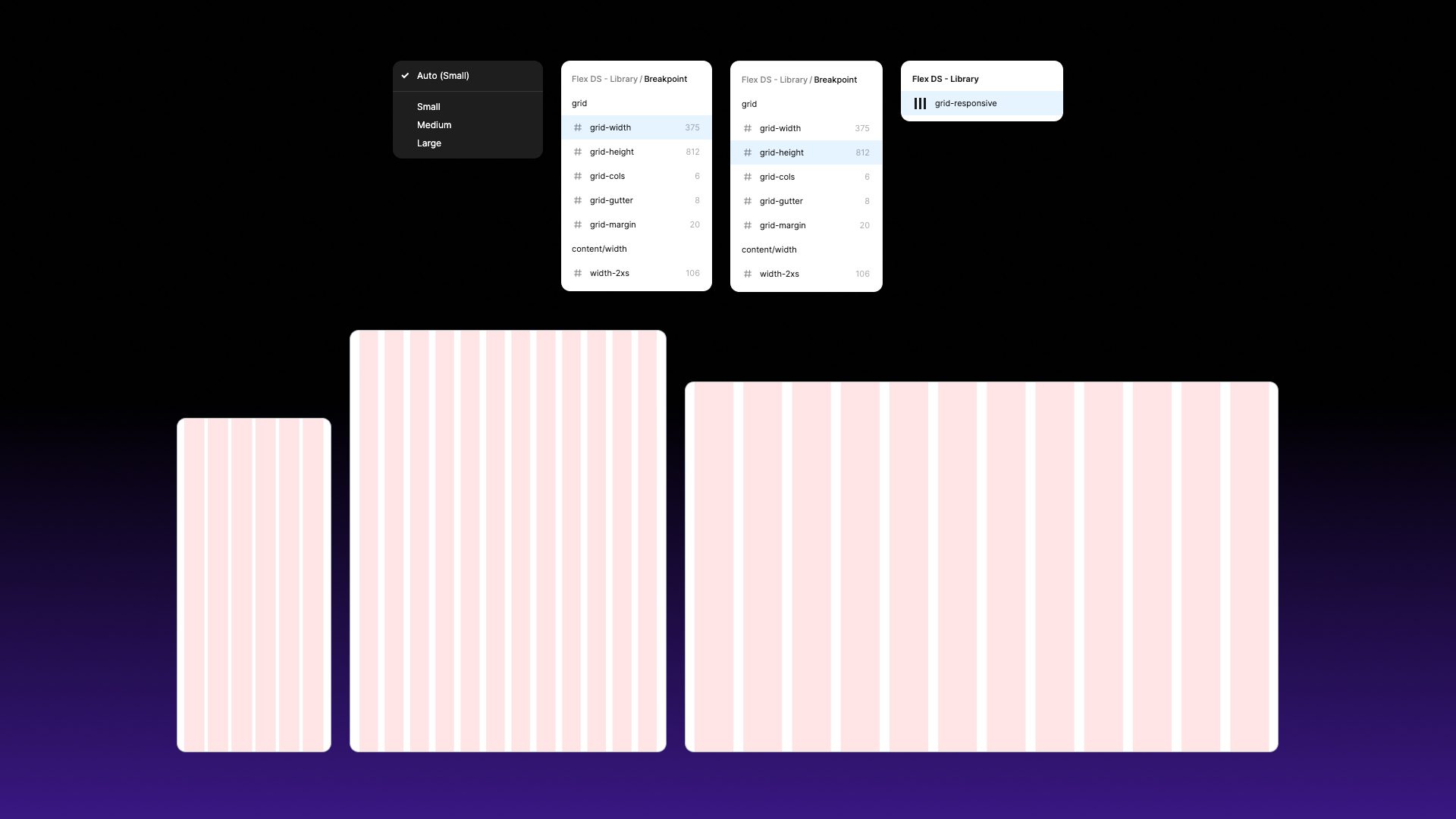
Flex Design System includes a single responsive grid that automatically adapts to the parent mode (small, medium or large).
- Set the breakpoint mode (Small, Medium or Large) on the parent frame.
- Apply the
gridlayout guide style to the frame. - Bind the frame’s width to
screen/widthand its height toscreen/height. - The grid’s column count, gutter and margin are already bound to
grid/columns,grid/gutterandgrid/margin, so they adapt automatically. - Child components that use spacing tokens will respond too.
Responsive Component Spacing
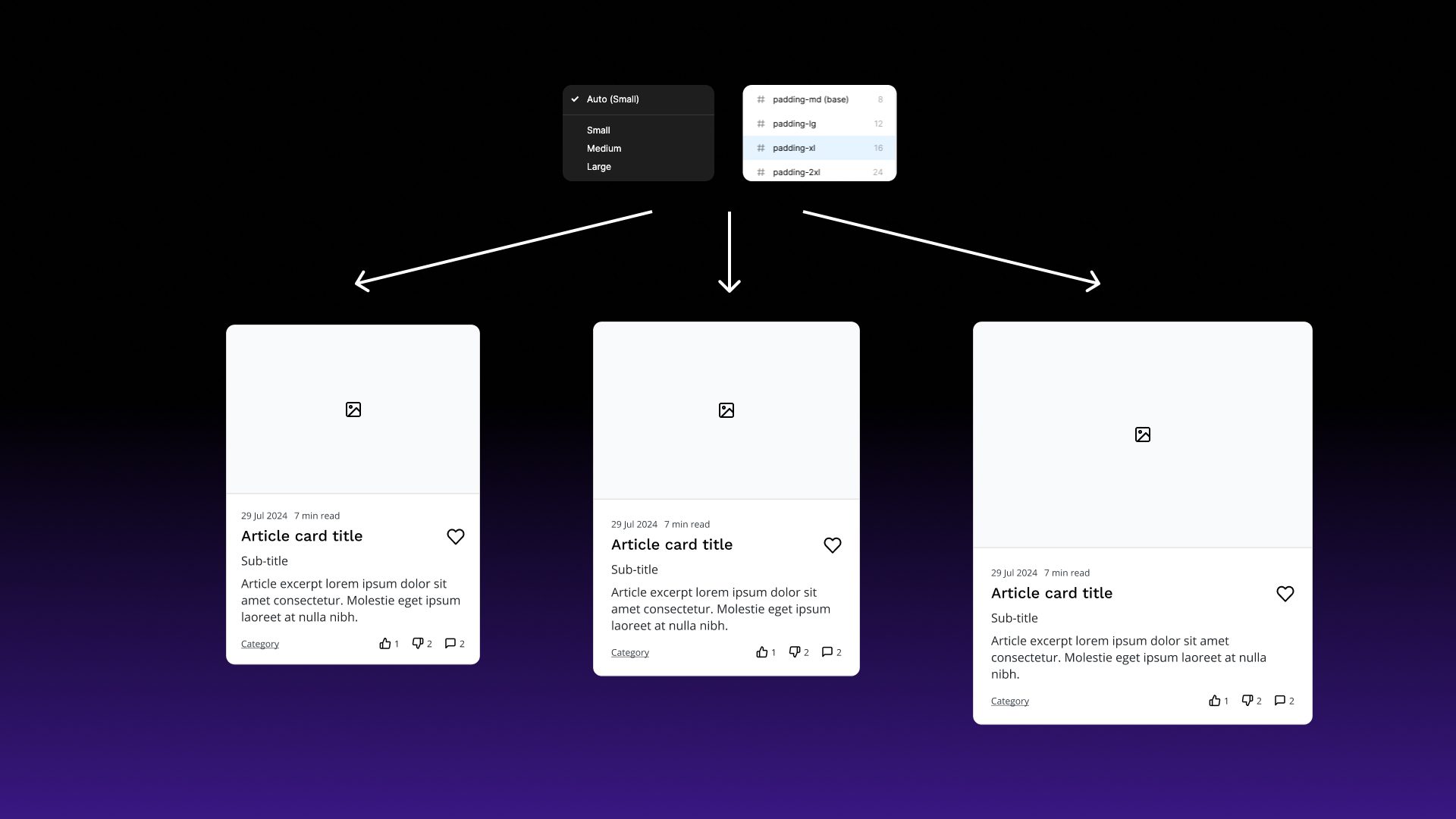
Spacing tokens run from spacing/none and spacing/xs up to spacing/6xl. Use them for padding and gaps. To limit how wide content can grow, use the content/width-2xs to content/width-xl tokens as minimum or maximum widths.
Due to the way the tokens have been set-up, applying a breakpoint mode to the parent frame will allow your components to automatically adjust their size.
You can customise the grid and spacing values in the Semantic / Breakpoint collection.